Overview
In order for TDO to function properly, we ask that all firewalls on individual machines be turned off.
Detailed Instruction
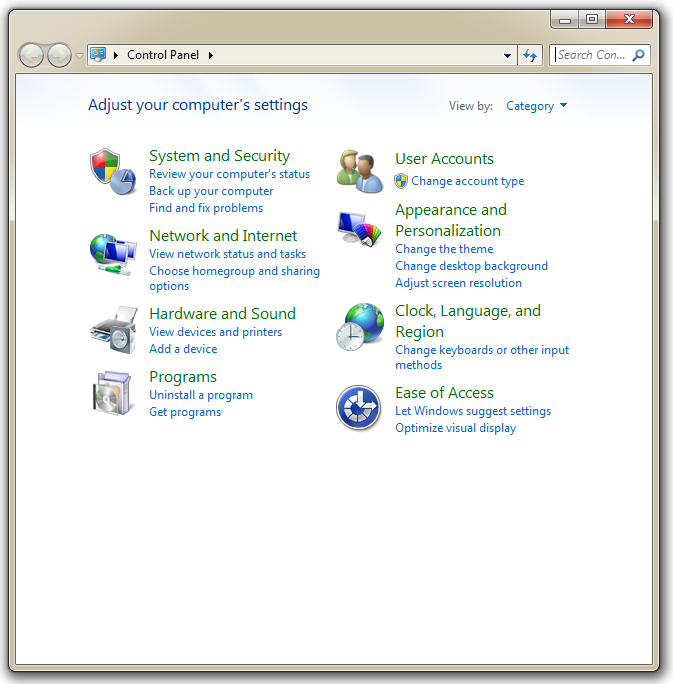
Open Control Panel
Click System and Security
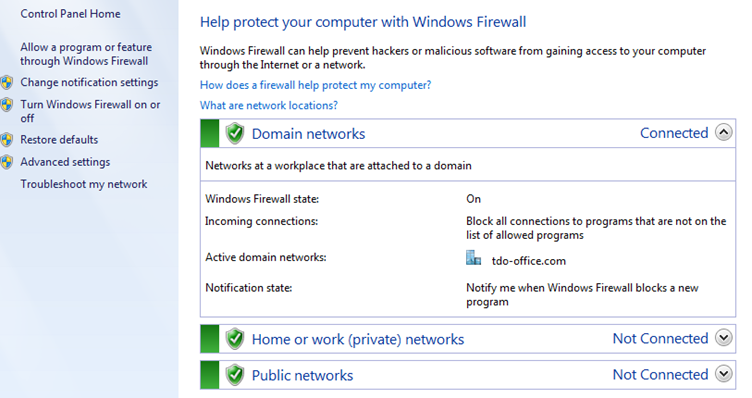
Click Windows Firewall

Click Turn Windows Firewall on or off (on the left hand side)
Change options for Domain, Home or work, and Public Network to Turn off Windows Firewall
It should look like this:
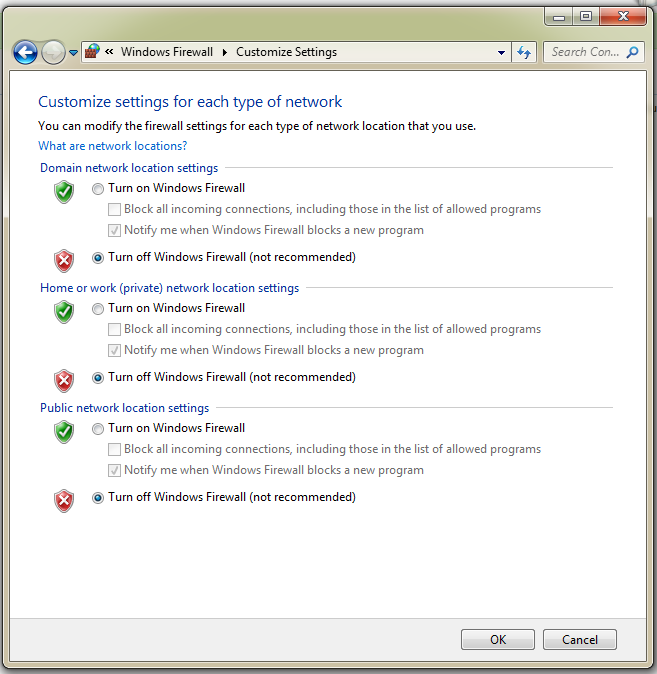
Click OK once changes have been made
Article ID: 129
Created: October 15, 2014
Last Updated: October 24, 2023
Author: TDO KB [web_admin@tdo4endo.com]
Online URL: https://kb.tdo4endo.com/article.php?id=129