Overview
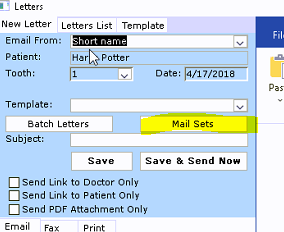
TDO allows for a group of letters to be created in one instance, for one patient, and to be sent out at the same time
Detailed Instructions
How to accomplish this task: open your Letters Module
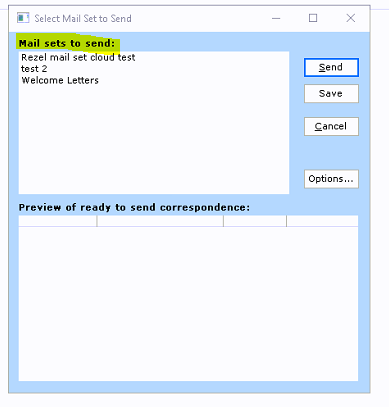
Different Mail Sets will show here that have been created
Options> Add Mail Set
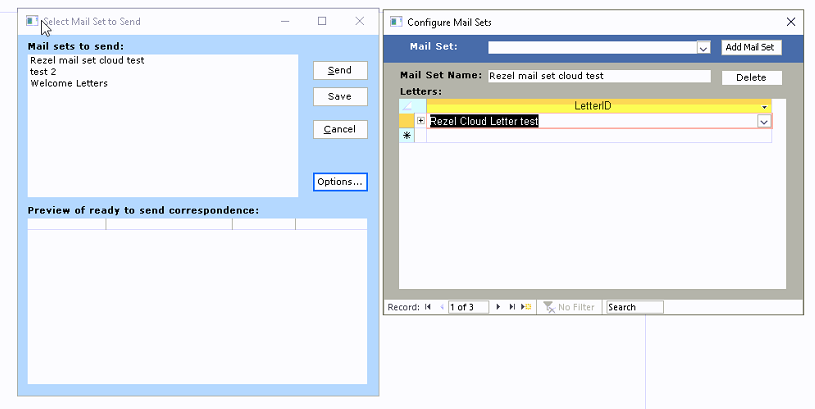
Create your Mail set name> and add in the desired templates
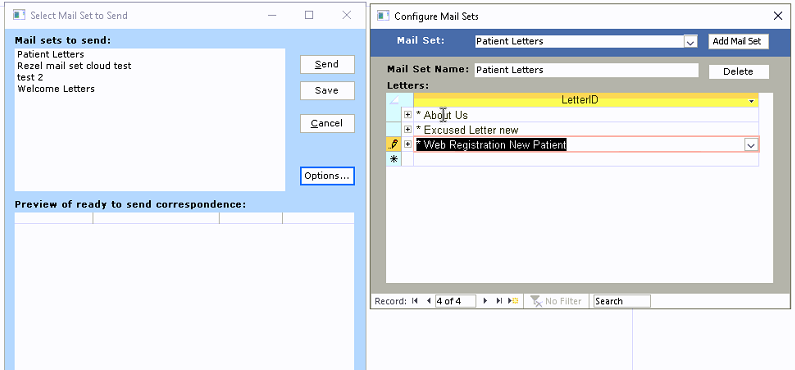
You will now need to designate how the letters are supposed to be sent out
Click on the "+" sign and designate its send method
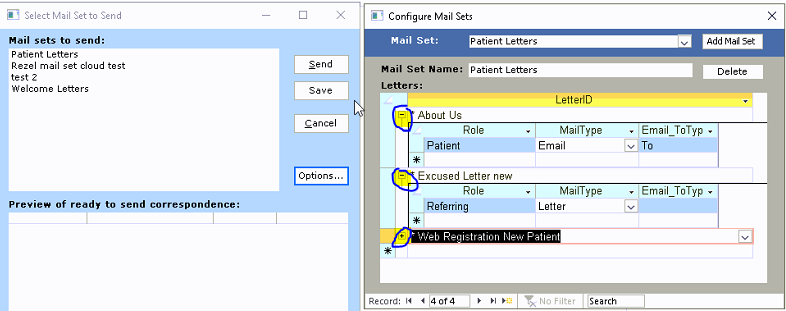
Mail Sets are now complete, and instead of clicking and sending multiple letters individually, one click will generate several letters at once to be sent individually with fewer clicks.
Reference
For further info, this Video outline similar steps
Article ID: 443
Created: May 15, 2016
Last Updated: February 23, 2026
Author: TDO KB [web_admin@tdo4endo.com]
Online URL: https://kb.tdo4endo.com/article.php?id=443