Overview
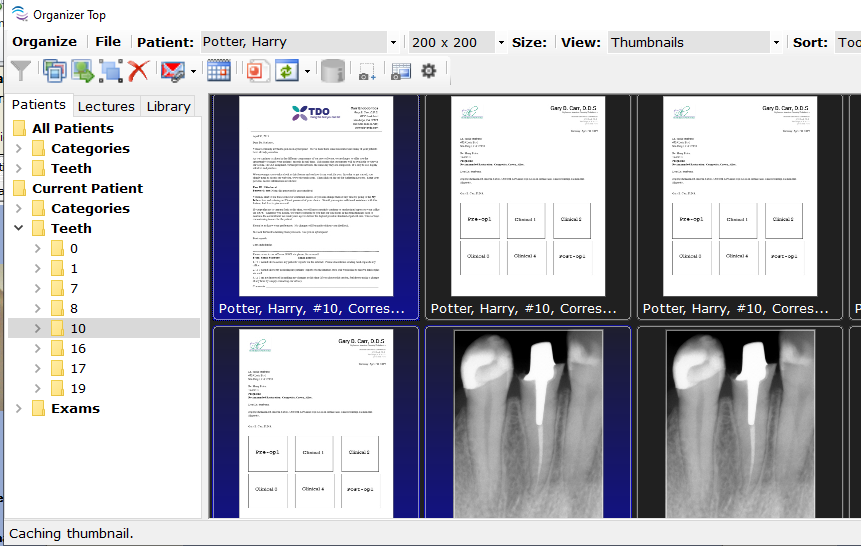
This cool feature will allow users to combine several images in TDO into a single file.
Note: this feature is available in TDO version 12.306e and newer.
Detailed Instructions
In Organizer, select one or more images
Right-click on one of the images
Select “Create Animated Gif”
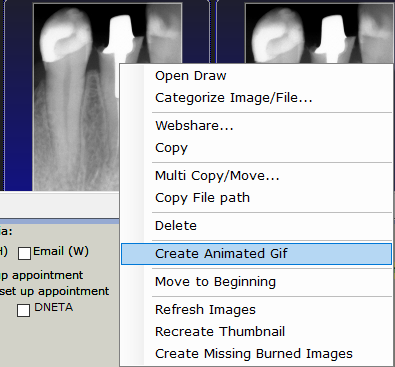
The “Gif Editor” window will open
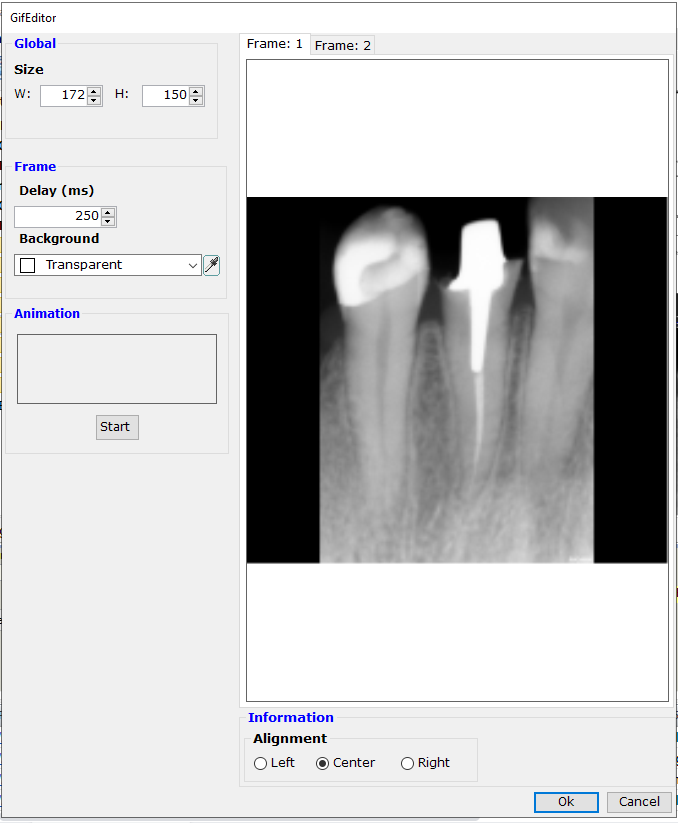
Frame tabs: these tabs show each of the image making up the gif animation image.
In "GIF Editor" window, users will find the following features:
Global:
Size: displays the overall size of the image
Frame:
Delay: displays the number of milliseconds to elapse before the next image is shown. The default is 250 milliseconds.
Background: allows users to choose the color used when resizing the original image to fill out the rest of the global size.
Animation: Starts a test of your gif image and stops if it’s running.
Information:
Alignment: offers to left, center or right justify the current frame in the animation image
Click OK to finish editing the animated image
“Current gif is not saved. Do you wish to save first?” dialog box will display.
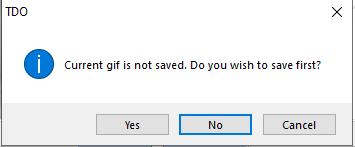
Click “Yes”
Select the category and the tooth this animated image will be saved under.
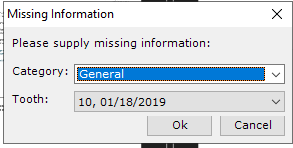
Animated image will be show in Organizer
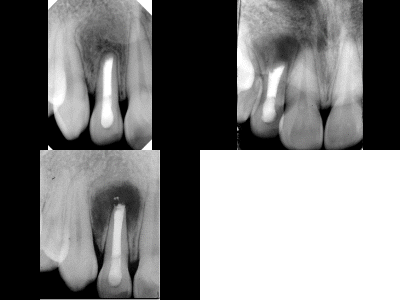
Example
Article ID: 734
Created: November 20, 2018
Last Updated: February 27, 2026
Author: TDO KB [web_admin@tdo4endo.com]
Online URL: https://kb.tdo4endo.com/article.php?id=734