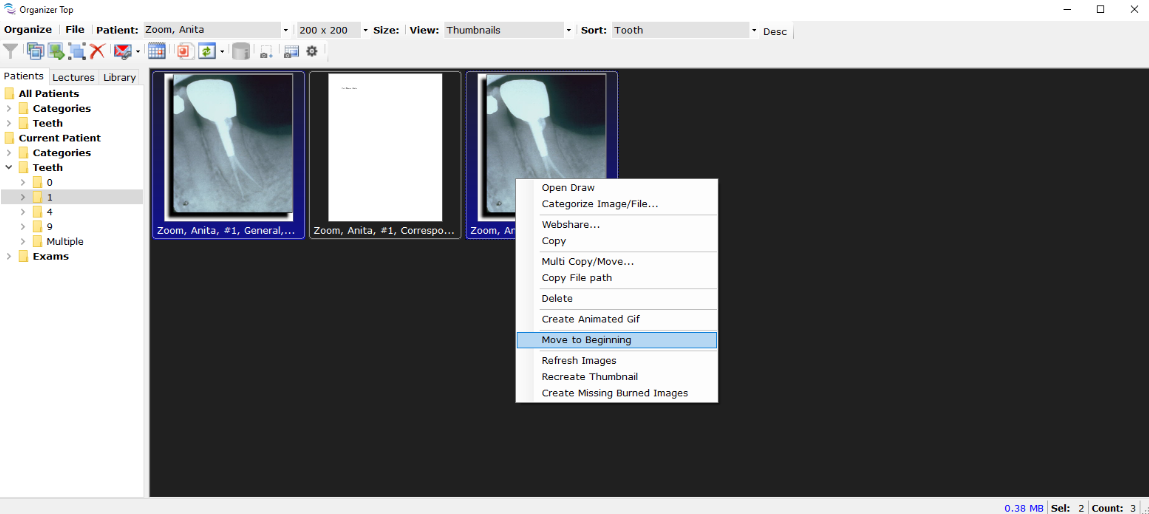
When working on a collage or an important lecture, users have the option to move the images to the beginning to make it easier to order the images for that important lecture.
Select one or more images in Organizer
Once image are selected, then right-click the image or just one of the many selected images
Select ’Move to Beginning’
The image(s) selected will show at the beginning of IO.
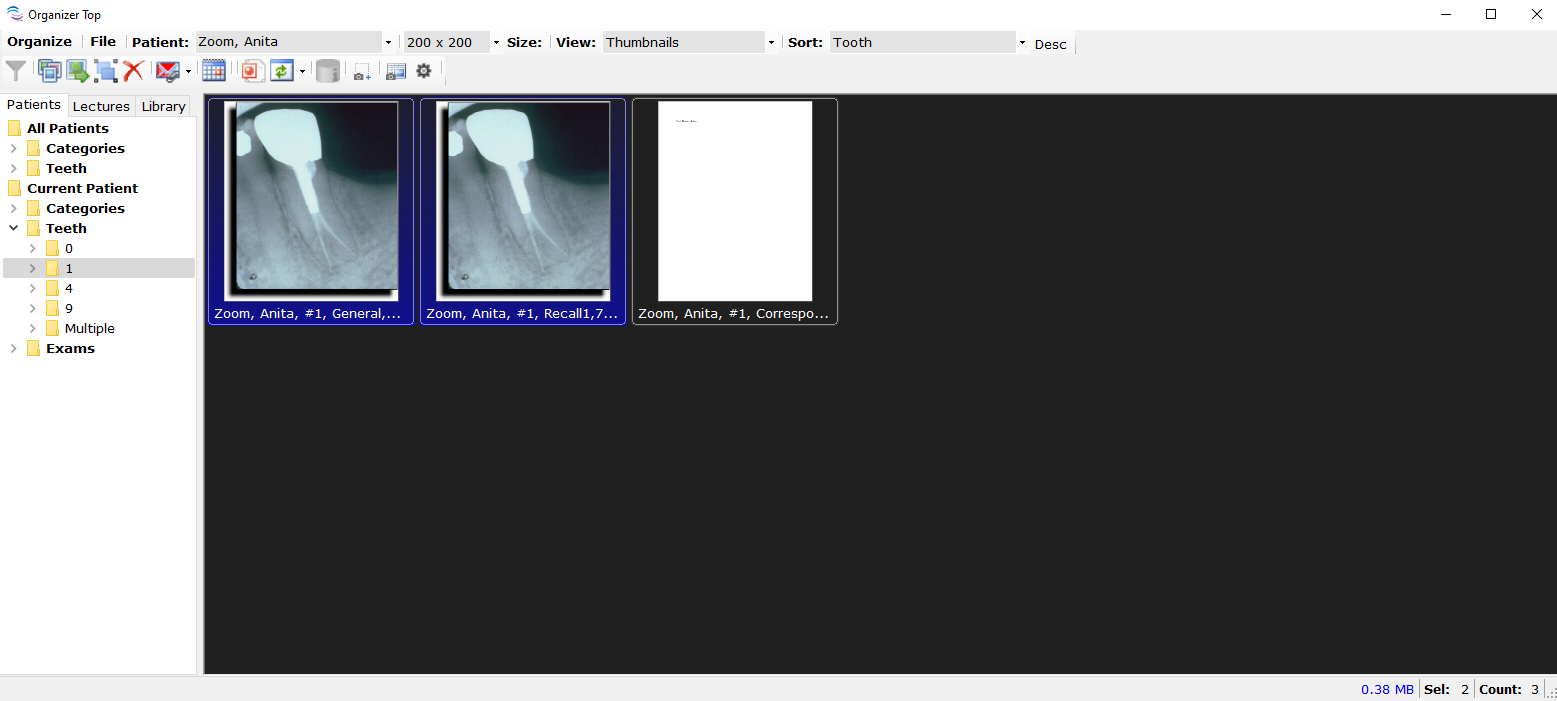
For TDO to keep the order in which the images are placed after moving the images to the beginning, sort the images by “User Defined” prior to moving the images.
Article ID: 786
Created: November 18, 2019
Last Updated: October 2, 2023
Author: TDO KB [web_admin@tdo4endo.com]
Online URL: https://kb.tdo4endo.com/article.php?id=786