Overview
TDO users will now be able to access, generate, and email reports through Cloud Letters while on the go. Cloud Letters must be set up for the practice before Cloud Letters can be accessed from the TDO Admin Portal.
Detailed Instructions
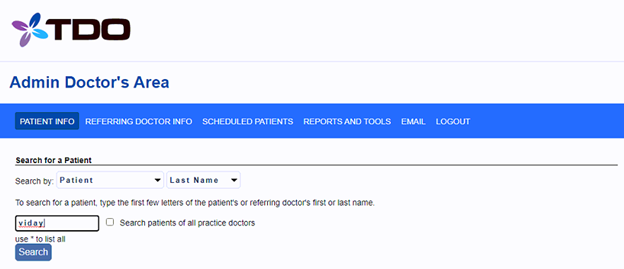
Log in to the Admin login area.
Search for a patient and click on the patient’s name.
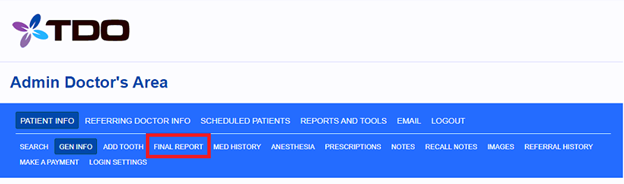
Click on the “Final Report” tab.
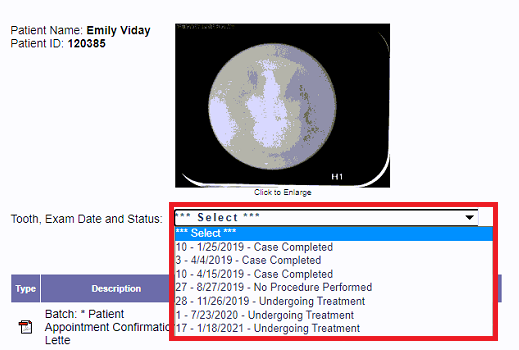
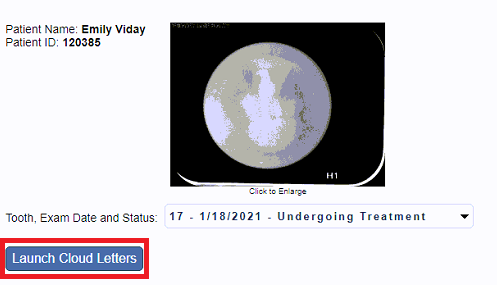
Under "Tooth, Exam Date and Status", select a case.
Click on the “Launch Cloud Letters” button.
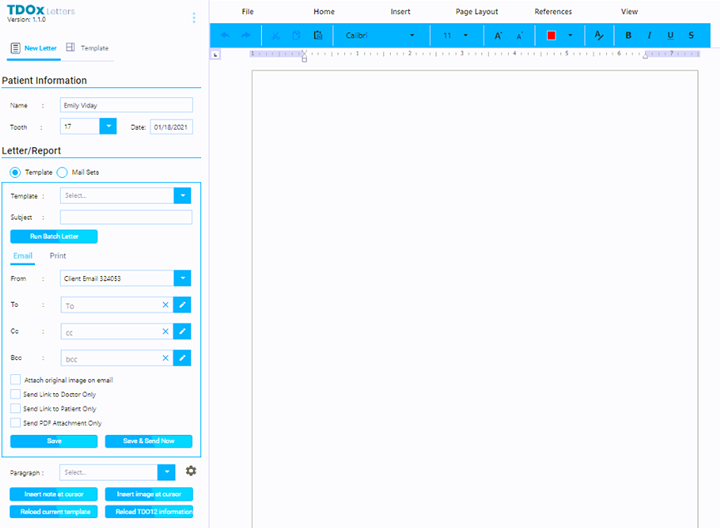
Cloud Letters module will open.
Article ID: 875
Created: July 27, 2021
Last Updated: December 1, 2025
Author: TDOKB4 [IT@tdo4endo.com]
Online URL: https://kb.tdo4endo.com/article.php?id=875