Default Probing options
Estimated Reading Time: < 1 MinuteOverview
How to set default probing for multi-tooth info page
Detailed Instructions
The probing values that are entered when the ‘defaults’ are selected are customized under the Default Probings Options form.
This can be accessed by clicking Program Setup – Default Probing Options on the top menu bar.

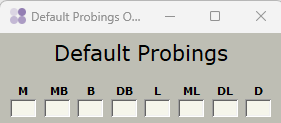
These defaults are used on the Multi-Tooth Info page and the individual tooth testing page.