Using Autonotes or Macro Note
Estimated Reading Time: 1 MinutesOverview
TDO allows for Notes that are commonly entered to auto-populate.
Detailed Instructions
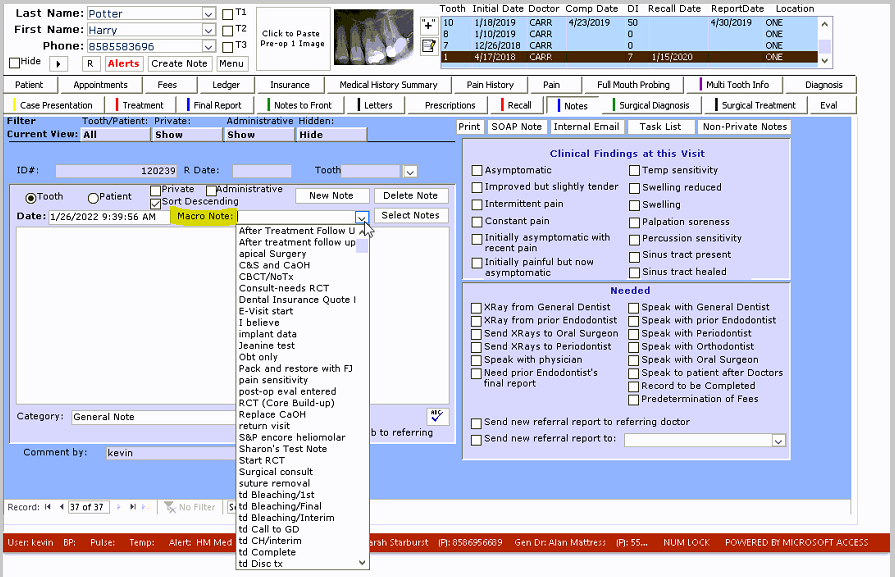
To accomplish this task, go to the notes tab and select a note that is needed to populate under the drop-down of "Macro Note."
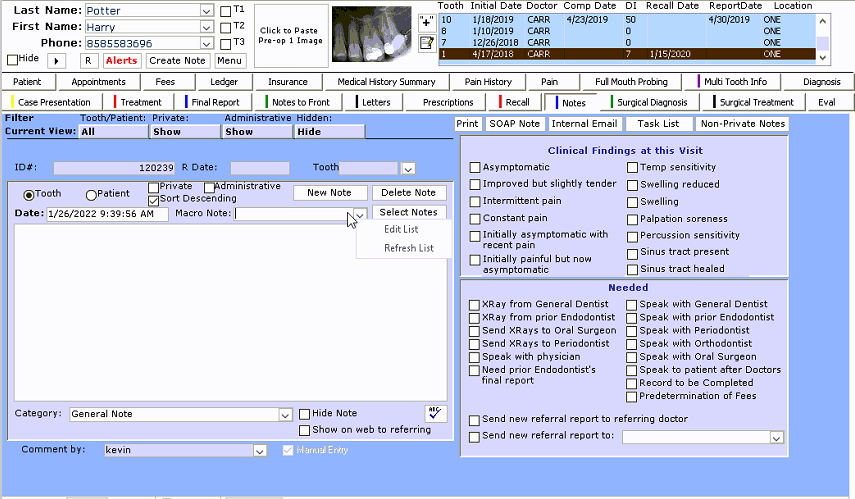
To create or edit your macro notes "Right Click" on the drop-down menu and select Edit list this will allow for creation and adjustments of current notes
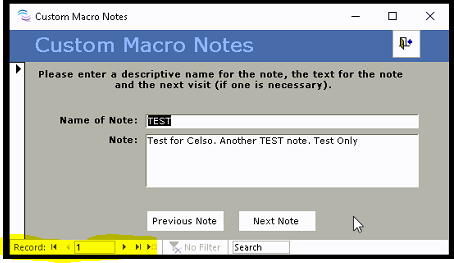
You can shuffle through the records with "Next Note" or "Previous Note" or click the arrow with the sun to create a new macro note. Here is where you can also adjust the note text that will populate on the notes page if selected
Reference
For further information relating to Macro Notes, please check out this Video demo on an older version of TDO